claverblog
Creating pixel-perfect circles may look simple at first, but anyone who has worked with pixel art knows it can be surprisingly difficult. What should appear as a smooth, clean curve often turns into an uneven or jagged shape, especially when working on a strict pixel grid.
Why Pixel Circles Are Challenging
Pixel art is built from square blocks, which don’t naturally form round shapes. Even small placement mistakes can distort a circle’s symmetry, making it look flat on one side or too sharp on another. This makes manual pixel-circle drawing time-consuming and inaccurate.
Why a Pixel Circle Generator Helps
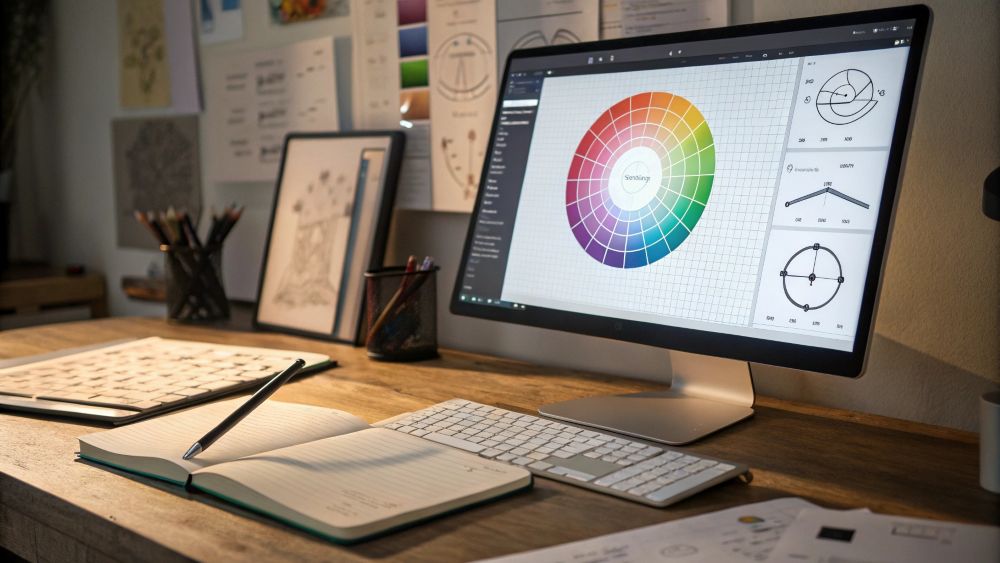
That’s why designers, artists, and Minecraft builders rely on a Pixel Circle Generator. It uses mathematical precision to create a perfectly balanced circle in seconds. From how it works to its features, use cases, and pro tips, this guide will help you get clean, accurate results every time.
What Is a Pixel Circle Generator?
A Pixel Circle Generator is an online tool that automatically creates a circular shape using square pixels. Because circles don’t naturally align with pixel grids, manual drawing often becomes difficult. A generator solves this by using mathematical formulas to produce a perfect circle blueprint.
Why Designers and Builders Use It
- Pixel art creators need clean outlines.
- Game developers require precise shapes for sprites.
- Minecraft builders use pixel circles to design towers, domes, and round structures.
- Graphic designers use pixel circles for retro icons, avatars, and UI elements.
A pixel circle generator removes guesswork, saves hours of editing, and ensures accuracy across all platforms.
Why Pixel Circles Are Hard to Make Manually
Pixel circles aren’t natural shapes — they’re approximations. Every square block or pixel must be placed in a specific pattern to form curves. Without a guide, you may end up with:
- Uneven curves
- Overlapping edges
- Flat spots
- Misshapen arcs
- Incorrect diameter or symmetry
This happens because pixel circles require mathematical consistency. Even a 1-pixel shift can distort the entire shape.
The Math Behind Pixel Circles
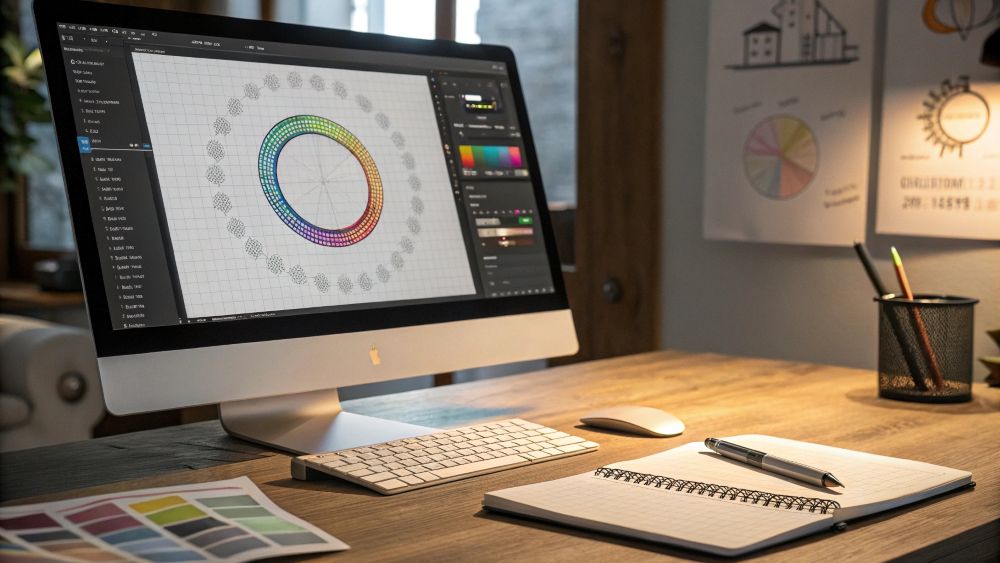
While a circle is defined by its radius and center, a pixel circle is drawn using discrete coordinates. Generators apply algorithms like:
- Midpoint Circle Algorithm
- Bresenham’s Circle Algorithm
These calculate the ideal pixel coordinates, ensuring each segment aligns perfectly.
How a Pixel Circle Generator Works
A pixel circle generator calculates and visualizes a circle using user inputs such as:
- Diameter
- Radius
- Thickness
- Grid size
- Fill type (outline or filled)
Real-Time Preview
Most generators display a grid where users see the circle update instantly as values change.
Customization Options
Depending on the tool, you may find features like:
- Adjustable pixel size
- Color picker
- Export formats (PNG, SVG, CSS grid, JSON map)
- Editable layers
- Transparency options
Export and Download Options
Common export types include:
- PNG (best for graphics)
- SVG (scalable vectors)
- CSS (for web developers)
- JSON grid maps (for game engines)
- Printable templates (for Minecraft builds)
Each format helps different types of users achieve pixel-accurate results.
Types of Pixel Circles You Can Create
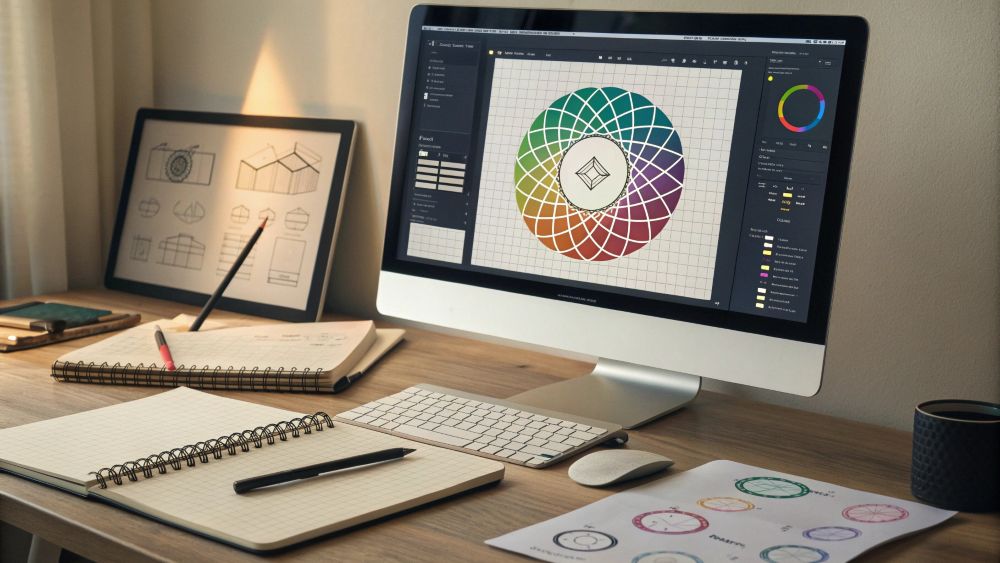
Pixel circle generators are not limited to basic circles. They can create:
Outline Circles
Circles created with only a border. Perfect for:
- Frames
- Retro icons
- Game character outlines
Filled Circles
A completely solid circle. Best for:
- Sprites
- Pixel badges
- Background elements
Thick-Border Circles
Useful in design and game UI elements where thicker lines are required.
Oval or Ellipse Shapes
Some generators let you create non-perfect circles for stylized art.
Step-by-Step Guide to Creating a Pixel Circle
Follow this simple method using any generator:
Step 1 — Enter the Diameter
Enter a size like 20, 50, or 100 pixels. The tool will instantly calculate the shape.
Step 2 — Select Fill Type
Choose between outline or filled.
Step 3 — Adjust Pixel Size or Scale
Increase pixel size if you want a larger visual output.
Step 4 — Pick Colors
Select border and fill colors for your circle.
Step 5 — Export or Copy the Circle
Download the output or copy the pixel map to your clipboard.
Best Use Cases for Pixel Circle Generators
Pixel circle generators benefit multiple creative fields.
For Pixel Artists
- Crafting clean curves
- Creating retro-style shapes
- Designing 8-bit objects
- Building sprite components
For Game Developers
- Creating circular collision zones
- Designing UI elements
- Generating sprite sheets
For Minecraft Players
- Building towers
- Creating domes
- Designing circular bases
- Laying floor patterns
For Graphic Designers
- Retro icons
- App buttons
- Badges
- Pixel logos
Pixel Circle Generator for Minecraft Builders
Minecraft structures depend on pixel-based block placement. A pixel circle generator becomes essential for:
- Towers
- Spheres
- Domes
- Round bridges
- Bases
- Platforms
- Decorative layouts
Block Count & Blueprint Maps
Some tools also show:
- Exact block coordinates
- Layer-by-layer dome blueprints
- Block count calculations
This helps players save time and build with precision.
Pixel Circle Generator for Pixel Artists & Game Developers
Pixel artists rely on accuracy. A circle must appear smooth, balanced, and symmetrical.
Why Developers Love It
- Reduces production time
- Ensures asset consistency
- Improves animation workflow
- Helps generate circle arcs for effects
Pixel game engines like Godot, Unity (2D), or Construct can import generated maps directly.
Best Alternatives & Competitors to Pixel Circle Generators
If you want more complex editing features, these tools are commonly used:
Piskel
Free pixel editor with animation tools.
Aseprite
Industry-standard pixel art software.
Pixilart
Online editor with community support.
Blockbench
Used for Minecraft models.
DonatStudios Circle Tool
Simple and highly accurate for builders. Each alternative has strengths, but none offer the quick simplicity of a dedicated pixel circle generator.
Tips for Making Perfect Pixel Circles Every Time
Use Even Diameters for Symmetry
Even-numbered circles often look cleaner.
Use Outline Circles for Animation
Outline circles are easier to animate and modify.
Keep Pixel Size Consistent
Avoid resizing output in external editors — adjust inside the generator.
Use Layering in Editors
Export your circle and stack additional layers to create effects.
Avoid Over-Smoothing
Pixel art should maintain its grid feel — clean but not blurry.
Conclusion:
A Pixel Circle Generator makes creating clean, accurate pixel circles effortless, whether you’re designing retro art, developing game sprites, or planning Minecraft builds. Instead of struggling with uneven curves or manual calculations, the generator gives you perfect results instantly.
With customizable settings and easy export options, it saves time and improves your creative workflow. If you want smooth, precise pixel circles every time, this tool is the simplest and most reliable solution.
FAQs
1. What is a Pixel Circle Generator?
It’s an online tool that automatically creates pixel-perfect circles using square grids.
2. Why do pixel circles look uneven manually?
Because pixels are square, drawing curves requires precise placement based on mathematical calculations.
3. Can I use a pixel circle generator for Minecraft?
Yes, it helps create accurate block blueprints for circles, domes, towers, and bases.
4. Which export formats do pixel circle generators support?
Most support PNG, SVG, CSS grids, and printable templates.
5. Are pixel circle generators free?
Yes — most tools available online are fully free to use.